AllScan dashboard
Open AllScan on a computer, tablet, or phone for a visual list of favorites, current connections, and node activity.
One compact build brings together ASL3, the UNO Q’s built-in LED matrix, an AllScan UCI145 or UCI150, a USB rotary macro controller, DTMF microphone control, and the documentation needed to build it again from a clean factory reflash.
The proof became an appliance
The finished UNO Q combines a working AllStarLink node with visual status, three connection methods, physical controls, operating-safety timers, spoken confirmation, and unattended reboot recovery.
The complete operating station
The board, clear case, UCI145, macro controller, DTMF microphone, communications speaker, and USB-C hub each have a clear job in the finished station.
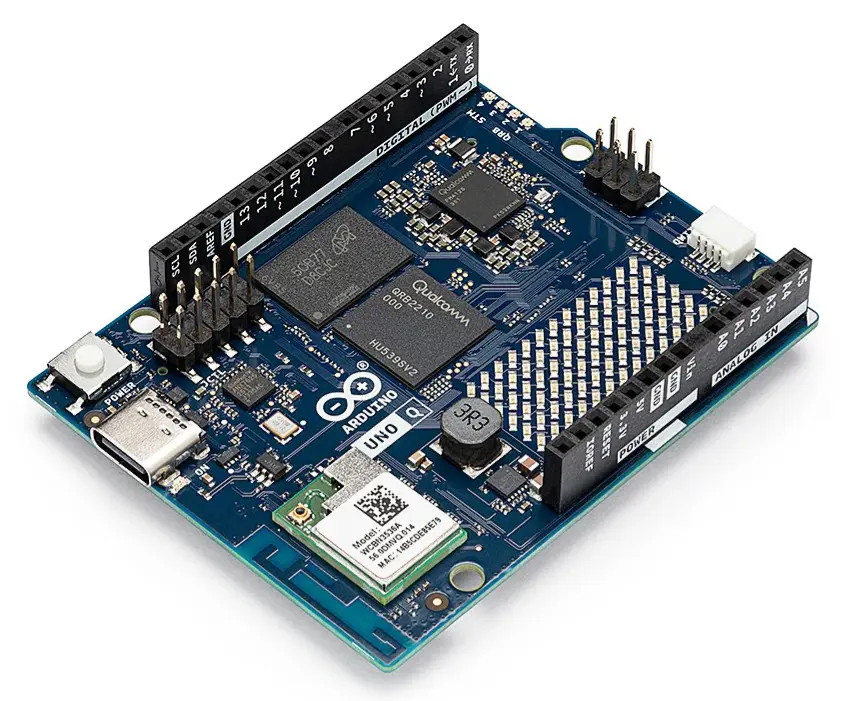
The ARM64 Linux computer, microcontroller, wireless networking, familiar headers, and built-in LED matrix share one unusually capable board.
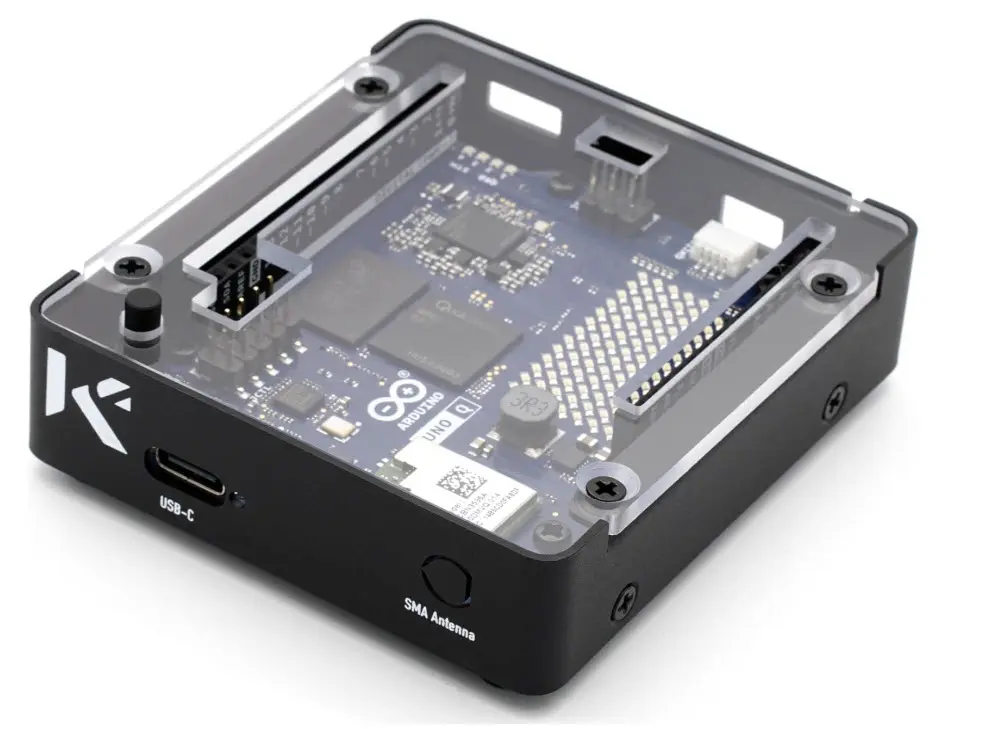
The clear enclosure protects the working board while leaving its LED matrix, controls, connectors, and activity visible.
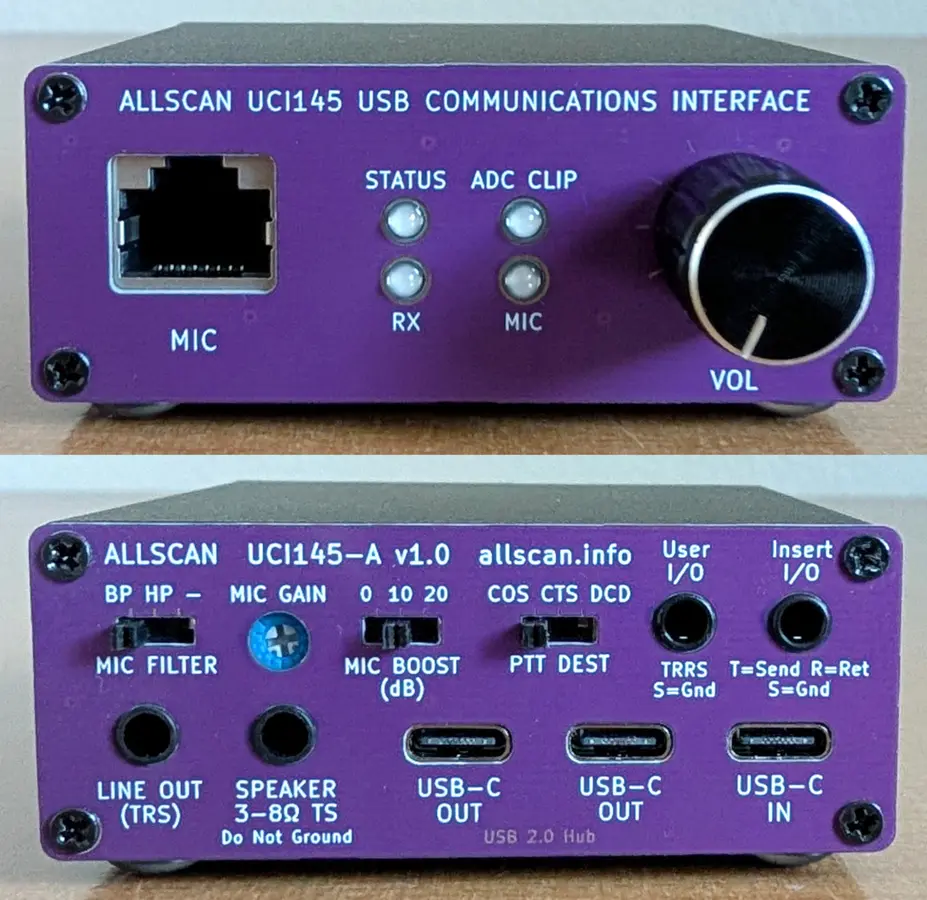
The UCI145 provides the microphone input, receive audio, speaker and line outputs, PTT/COS handling, USB audio, and useful front-panel status indicators.
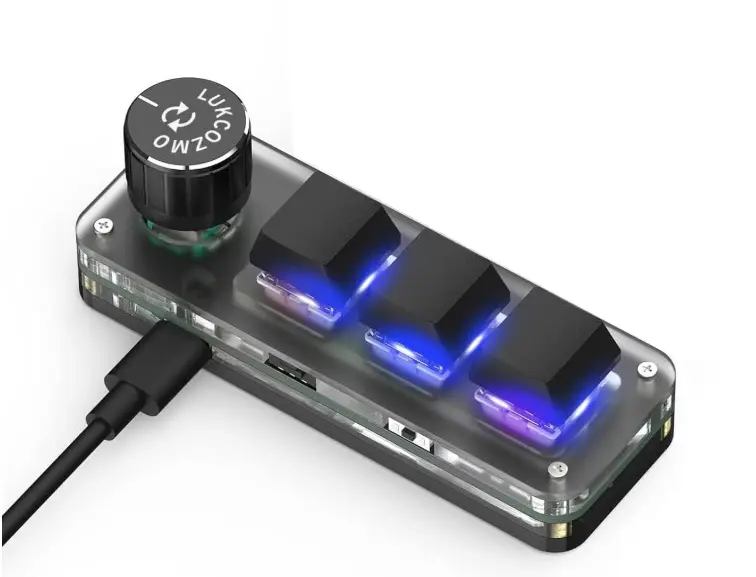
Three illuminated keys and the rotary control provide a tactile way to select favorite stations, connect, and disconnect without opening a browser.
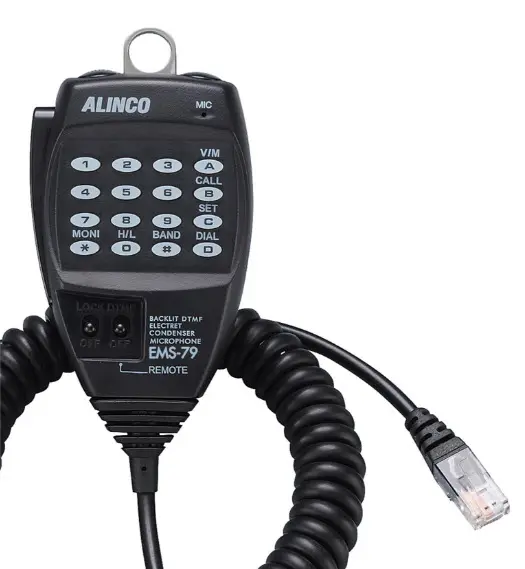
The Alinco EMS-79 adds the familiar radio-operator method: enter an AllStar node number directly on the microphone keypad.
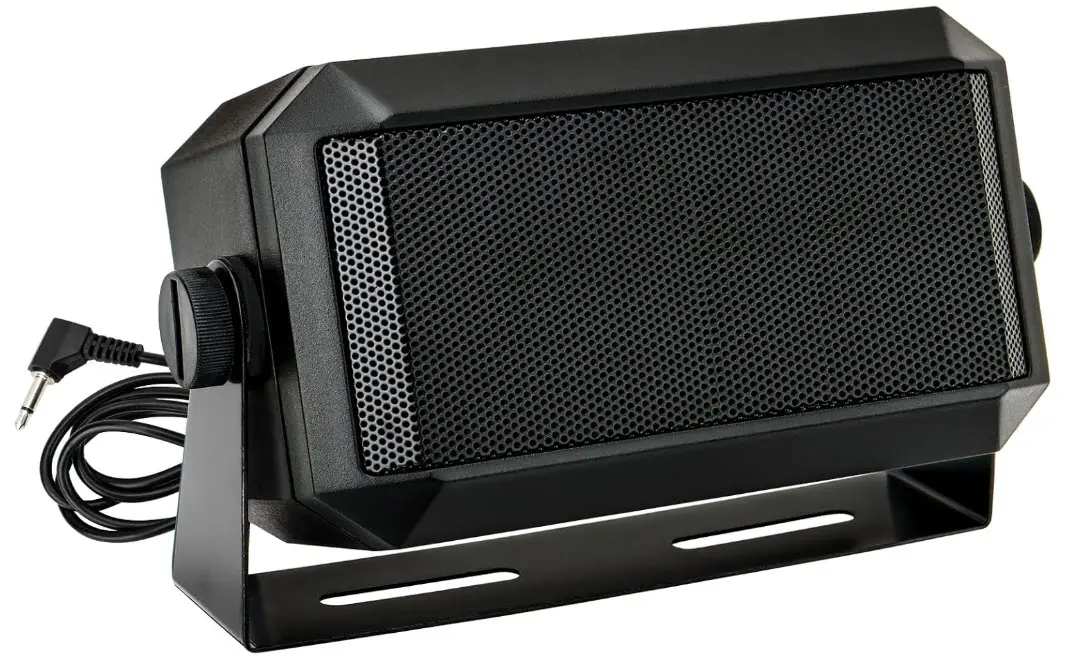
A compact communications speaker completes the desk-side appliance and keeps AllStar audio clear and easy to hear.
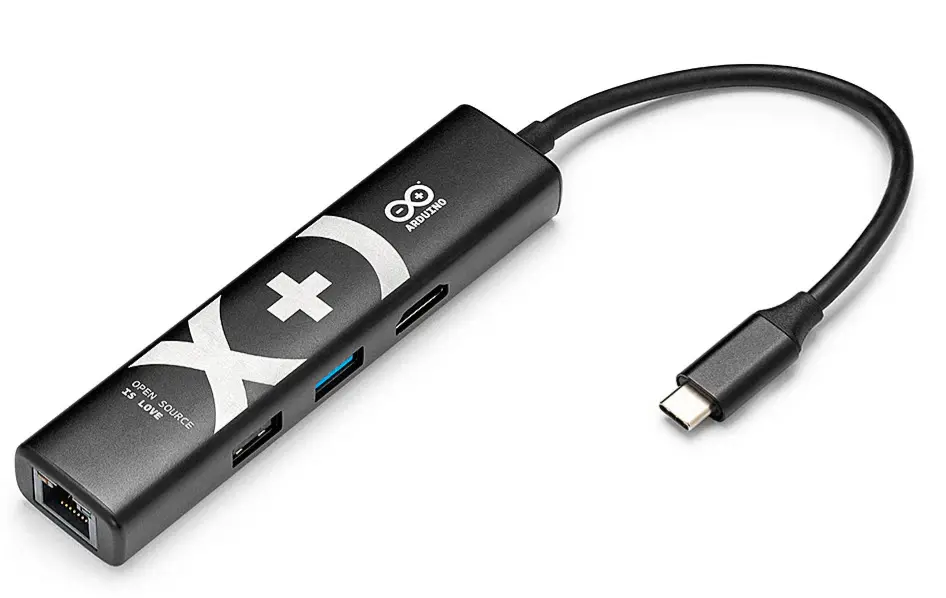
The USB-C hub adds wired Ethernet and the USB ports needed for the communications interface and operator controls.
Three ways to connect
The operator is never locked into one control method. Each path reaches the same ASL3 node, so the best choice can change with the moment—or with the operator.
Open AllScan on a computer, tablet, or phone for a visual list of favorites, current connections, and node activity.
Select favorites with the rotary control, then use the illuminated buttons for fast connect and disconnect commands.
Dial an AllStar node directly from the Alinco EMS-79 keypad—a familiar radio-style control that needs no browser at all.
Project overview
What began as a proof of concept is now a complete radioless AllStarLink appliance: visual status and timers, three practical ways to connect, spoken confirmation, automatic recovery, and a repeatable guided installation.
The USB communications interface supports simultaneous transmit and receive operation, making this a true full-duplex AllStarLink node—not merely a conventional simplex hotspot.
Known limitations
Complete release
The single ZIP includes the guided installer script, illustrated installation manual, and operating user manual. Begin with the installation manual and follow the sequence from a clean factory reflash.
Complete guided-installer package with the installation and operating manuals.
DownloadUse at your own risk. No warranty. Read the included installation manual before beginning, follow its sequence carefully, and preserve backups of your own configuration.